
GTA San Andreas PC Download
Download and install the action-packed classic PC game GTA San Andreas on your Windows computer or laptop and enjoy it with high performance and better controls.
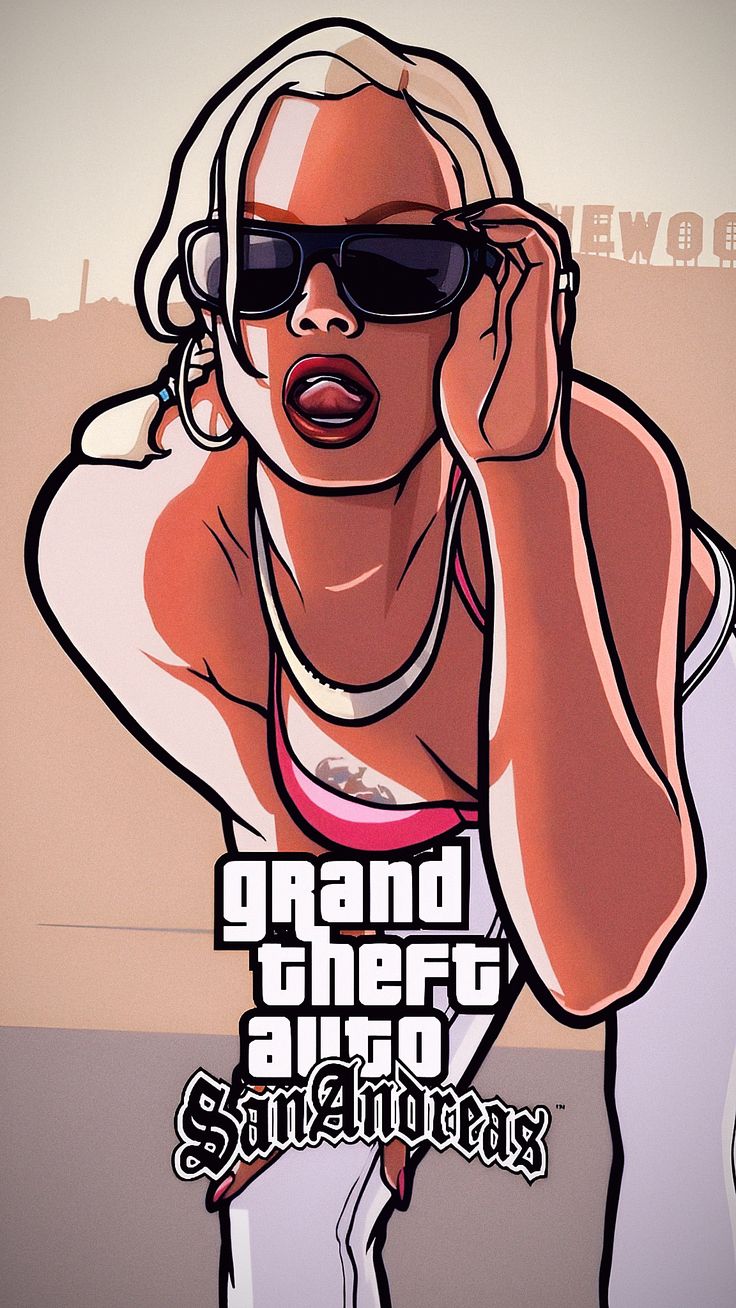
Why Choose PC Version Instead of Console
If you truly enjoy gaming, especially open world titles like GTA, the PC version offers a completely different level of freedom compared to consoles. On consoles, games usually run on fixed settings decided by the developers. But on PC, you are in full control. You can tweak graphics, adjust performance settings, and customize controls exactly the way you like.
Here are the major advantages of choosing the PC version:
On a Windows PC, you can adjust game settings to suit your system. Even with a mid-range laptop, you can still achieve smooth gameplay.
Grand Theft Auto: San Andreas
Grand Theft Auto: San Andreas is an open-world action-adventure game developed by Rockstar Games. The game is set across three major cities inspired by real life locations, giving players a massive world filled with diverse environments, characters, and activities.
Players could customize CJ’s (Protagonist) appearance, build muscle or gain weight, learn new fighting styles, buy properties, and even form relationships. Along with an engaging storyline, the game offered countless side missions, vehicles, weapons, and secrets to explore. Its combination of storytelling, gameplay variety, and open world freedom made it a legendary title of GTA series.
Did you know?
After the popularity of GTA San Andreas, owning and piloting a plane or helicopter was considered a major flex back then. It gave gamers a sense of achievement and pride.
Missions, Weapons, Vehicles and Gameplay Activities
Missions
GTA SA’s missions are the backbone of the game, but what’s special about them is that they don’t feel repetitive. Sometimes you’re involved in intense gang warfare, sometimes sneaking into enemy territory in stealth missions, and sometimes evading the police in a high-speed chase. Some missions test flying skills, while others test driving precision.
Side Activities
In addition to the main storyline, It is also popular for its side activities. Picking up passengers as a taxi driver, completing ambulance missions, or catching criminals in vigilante mode are all optional yet rewarding. These side missions give the player extra abilities or bonuses, such as health increases or money rewards.
Vehicles
In terms of vehicles, The game was far ahead of its time. Every type of transport is available, from sports cars to heavy trucks, dirt bikes to boats and even fighter jets. The handling of each vehicle feels different, making the gameplay realistic and engaging.
Weapons
The game’s weapons system is balanced and diverse. Melee weapons for close combat, pistols and SMGs for mid-range, and assault rifles and rocket launchers for heavy damage provide a different option for every situation.
Combat
The combat system maintains a balance between arcade-style and tactical gameplay. The auto-aim system is helpful for beginners, while experienced players can use manual aiming. Melee fighting styles are also unlocked through gym training, which can change a character’s fighting approach.
Exploration
The biggest strength of this game is its open-world freedom. Three different cities, countryside, desert and mountains are all seamlessly connected in a single map. Players can go anywhere without restrictions. Whether it’s infiltrating a military base or simply taking a long drive on the highway, the game doesn’t limit you.
GTA San Andreas for Windows 7,8,10 and 11 PC
Installing GTA San Andreas on your Windows computer or laptop is very easy. First, complete all the requirements and then begin the installation process. After installation, set it up to get it ready to play.
System Requirements for Windows PC
Before installing the game, it is better to know whether your PC is compatible with the game’s requirements or not.
MINIMUM
RECOMMENDED
Intsallation Process of GTA SA on Windows PC
Setup Before Launching
If you’ve successfully installed the game, the most important step is post-installation setup. Proper setup improves performance, reduces crashes, and improves the gameplay experience. So let’s get started:
Common Errors and Fixes
Even after successful installation and setup of the game, many times we face technical errors. That’s why we have shared some of the most common errors and their causes along with how to fix them:
Game Not Launching
Why: Often, when GTA SA won’t open after installation, the problem is more system compatibility than the game itself. This game is quite old and doesn’t directly cooperate with the modern Windows 10/11 architecture. Sometimes DirectX isn’t installed properly, sometimes admin permissions are missing, and sometimes the antivirus silently blocks the launch. This is why the game doesn’t respond to any clicks.
Fixes: First, launch the game by running as administrator. If you still have issues:
- Enable Compatibility Mode → Windows 7
- Reinstall or update DirectX
- Temporarily disable antivirus and test
- If you’re on Steam/Rockstar Launcher, select “Verify Files”
Often one of these steps solves the problem.
Crashing on Startup
Why: The most common reason for startup crash is conflict between outdated engine and modern drivers. Sometimes the graphics driver is new and the game engine is old, there is a mismatch in coordination between the two. Another common reason is mod installation. If even one mod is not properly compatible, the game may crash as soon as it boots. Corrupted settings file can also trigger this issue.
Fixes: The most effective solution in this case is to install SilentPatch, as it’s a community-made stability fix that handles modern Windows issues. If you have mods installed, temporarily remove them and try a clean launch. Also, delete the gta_sa.set file from the Documents folder. It will resets the game settings and should fix many crashes. If the problem persists, it’s also important to update your graphics drivers.
Mouse Not Working
Why: This is a classic issue that almost every modern Windows user faces at some point. GTA SA’s engine uses an old input system which does not sync properly with high refresh rate or modern OS. As a resultant, Mouse moves but camera doesn’t respond.
Fixes:
- Turn on Frame Limiter
- Install SilentPatch
- Enable Compatibility Mode
- Try Windowed Mode
Mostly the Frame Limiter and SilentPatch combo fixes the issue.
Black Screen After Launch
Why: A black screen usually occurs when there’s a resolution mismatch. The game was built on the old 4:3 resolution standard, while today’s monitors are widescreen. If the system automatically applies an unsupported resolution, the game may load but the screen will appear blank.
Fixes: First, go to the Documents folder and delete the gta_sa.set file. This will cause the game to use the default resolution on next launch. Then update the graphics drivers. If the issue persists, run the game in windowed mode and set the resolution manually.
Facing Low Frame Rate and Lag
Why: People think that if it’s an old game, it will automatically run smoothly, but that’s not necessarily the case. Low-end PCs may struggle if High Draw Distance and Visual FX settings are set to max. Sometimes background apps are eating up RAM, sometimes integrated graphics are active instead of dedicated GPU.
Fixes: To improve performance:
- Reduce the resolution slightly.
- Set the Draw Distance to medium or low.
- Close background apps.
- Assign the game a high-performance GPU in the graphics settings.
Loading times are noticeably better if installed on SSD.
Game Freezing During Missions
Why: Freezing mid-mission is usually caused by a corrupted save file or a heavy mod overload. Memory overflow can also occur, especially when a lot of custom vehicles or texture mods are installed.
Fixes: First, load a previous save slot and check. If the freeze is only occurring on one mission, the save may be corrupted. If using mods:
- Remove recently installed mods
- Clean backup folder, restore
- Install memory fix patch
Facing Audio Issues
Why: Audio issues occur when system sound drivers are outdated or Windows has changed the default playback device. Sometimes a corrupted installation can also cause the radio and SFX to go silent.
Fixes:
- Update sound drivers
- Check Windows sound settings
- Verify game files
- Reinstall if necessary
“Unhandled Exception” Error
Why: This error is usually caused by an incompatible mod or a missing DLL file. GTA SA’s engine is sensitive, and even a single file mismatch can cause the game to crash.
Fixes: The safest approach in this situation is a clean reinstall. Remove all mods first, then perform a fresh install. Also, installing the Visual C++ Redistributables is helpful. SilentPatch improves stability here as well.
Wrapping Up
GTA San Andreas is a very popular game in the entire GTA series. Even though the game is quite old and we are still waiting for the launch of GTA 6, San Andreas is still more than just a game, it is an emotion for gamers. And you’re one of those gamers, that’s why you’re on this page.
Although this game is available for PC as well as platforms like Android and iOS, but personally if you play it on computer or laptop then definitely you will be able to experience the best gameplay. You should definitely install it on your PC for bigger screen size and better controls. We’ve explained every aspect of the installation in detail above, which you can follow.
If you encounter any issues, please let us know in the comments. If the comments section isn’t visible, please contact us directly.